Sign In
Create an account and enjoy all the benefits of HAR.com!
Sign In
Sign in using social account


Did you know...
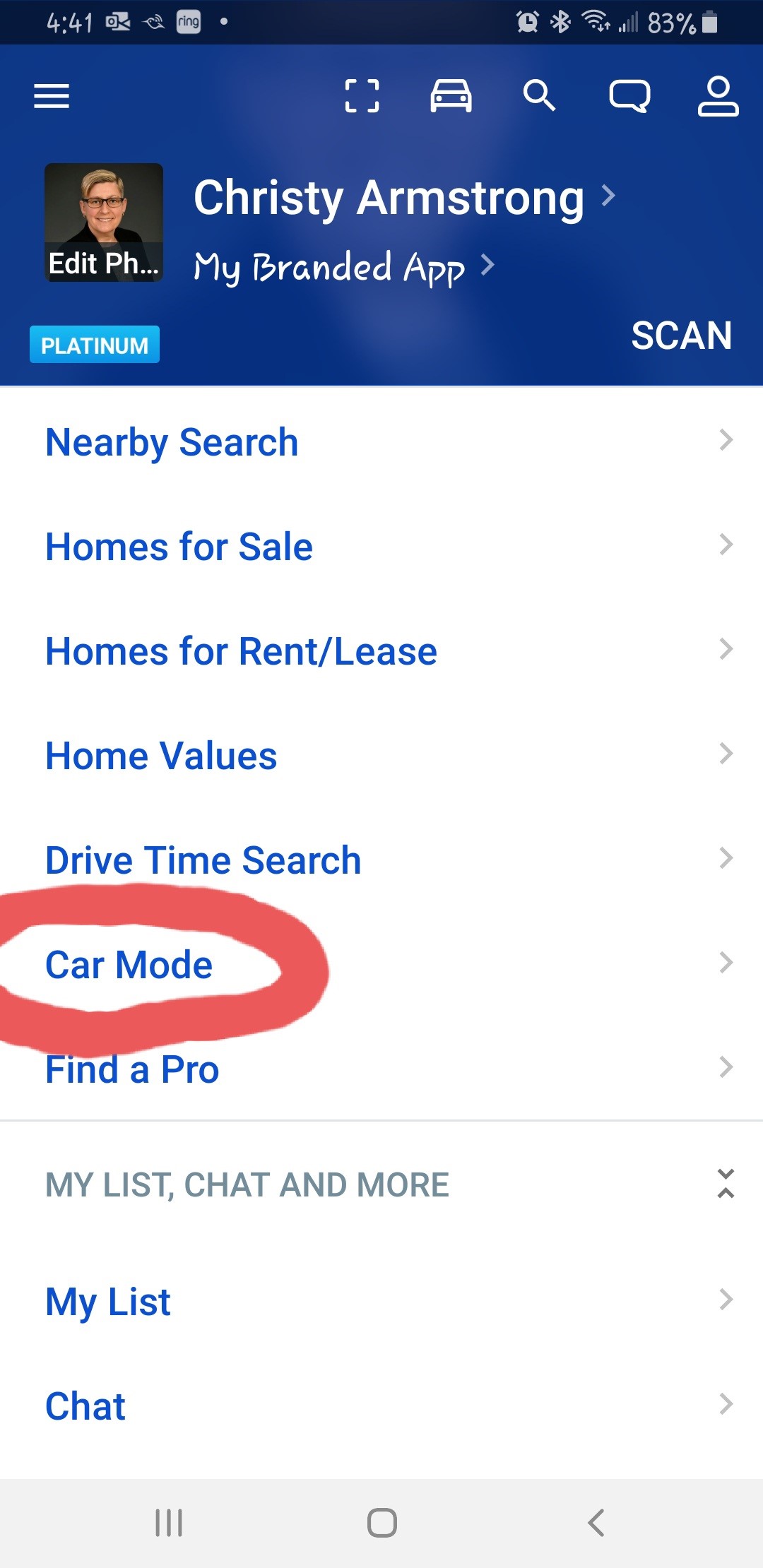
The HAR App has a very useful feature called Car Mode which automatically loads a property Listed on HAR into your App when you stop in front of it. This is very useful if you happen to drive by a home with a For Sale or Rent sign.
Click here for a link to a 1 minute video on YouTube showing how to use Car Mode.
That's it! I hope this information was useful!




 Erase note
 You currently have no custom folders